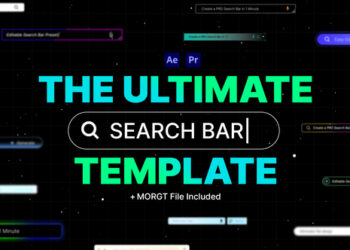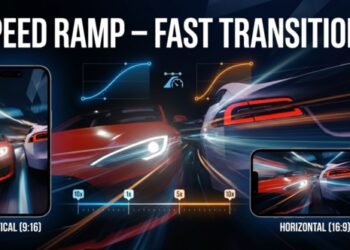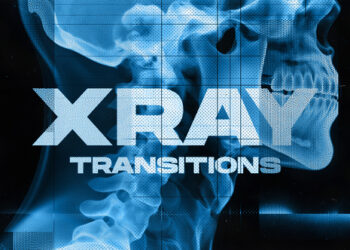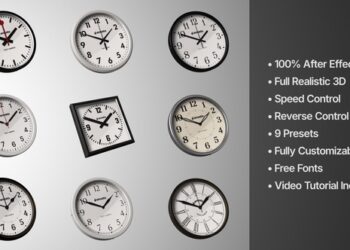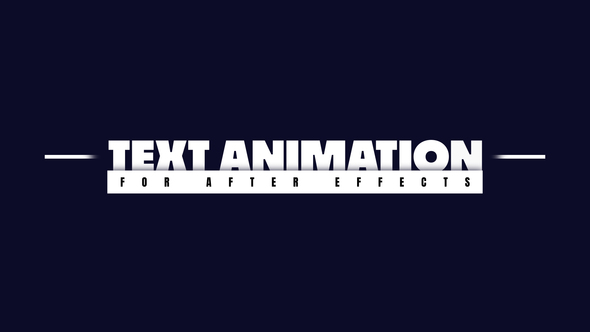
Free Download Text Animation. If you’re venturing into video editing and want to add flair to your projects, exploring text animation with Adobe After Effects is a fantastic move. The tool offers 7 Text Animations that require no additional plugins and are compatible with a wide array of video resolutions, from 4K to Instagram Stories. All aspects—from text to color and duration—are fully customizable, ensuring your intros and outros are nothing short of captivating. Moreover, even if After Effects isn’t set in your language, the universal expressions feature ensures everything works smoothly. A tutorial video is also included to guide you through the customization process.
Overview of Text Animation
If you’re looking to create engaging text animations in Adobe After Effects, the Text Animation package offers a comprehensive solution compatible with CC2020 and higher. This full project file doesn’t require additional plugins and features a range of resolutions including 4K and Full HD, making it perfect for everything from professional presentations to Instagram Stories. Users benefit from full control over text, color, and duration settings, and the auto-resize function ensures that all boxes fit the text perfectly. Importantly, the package supports universal expressions, catering to any language of After Effects, and comes with a helpful tutorial video. Fonts utilized in the templates are free, with a link provided for easy access.
Features of Text Animation
- Compatible with Adobe After Effects CC2020 and higher versions, ensuring users with the latest software can fully utilize the features.
- Includes the full Adobe After Effects project file, allowing complete customization and creativity.
- No additional plugins are required, making it accessible and user-friendly for all levels of experience.
- Provides the ability to control the time duration of the animation, both in the intro and outro, offering flexibility in video editing.
- Supports multiple resolutions like 4K, Full HD, and more, making it versatile for various platforms including Instagram Stories.
- Features Universal Expressions, which means it works seamlessly with any language version of After Effects.
- Autoresize function automatically adjusts the box size according to the text, enhancing visual appeal and reducing manual effort.
- Included tutorial video helps users understand how to effectively use the features, smoothing the learning curve.
- Allows full control over text, color, and duration, pushing the boundaries of customization.
- Fonts used in the project are freely available, with a provided link, ensuring easy access and consistent design.
Text Animation integrates smoothly with After Effects, adding significant value by enhancing video projects with dynamic, adjustable text features without requiring complex technical skills. This synergy allows creators to produce professional-level animations efficiently.
How to use Text Animation
If you’re looking to create eye-catching text animations using After Effects, here’s a straightforward guide to help you use the ‘Text Animation’ template effectively. This process will give your videos a professional flair and keep your viewers engaged.
1. Start by opening Adobe After Effects. Select ‘File’ from the menu, then choose ‘Open Project’ to load your existing project or start a new one.
2. Once your project is ready, go to the ‘Effects & Presets’ panel on the right side. If you don’t see it, you can find it under ‘Window’ in the top menu.
3. In the ‘Effects & Presets’ panel, type ‘Text Animation’ into the search bar. This will bring up a variety of text animation presets.
4. Drag your chosen text animation preset onto the text layer in your composition. To do this, ensure your text layer is selected by clicking on it in the timeline panel.
5. After applying the preset, you can customize it. Double-click the text layer to edit the text. Use the ‘Effect Controls’ panel to tweak the animation properties like start time, duration, and style.
6. Finally, preview your animation by pressing the spacebar to play it in the composition window. Adjust any settings if needed until you’re satisfied with the animation.
7. Save your project by selecting ‘File’ then ‘Save’ to ensure all your changes are stored.
This simple step-by-step process will help you enhance your videos with dynamic text animations without overwhelming you with too many complexities. Happy editing!
Download More For Free :
Text Animation Demo and Download
Looking to bring your video projects to life with dynamic text animations? You can easily download a fantastic ‘Text Animation’ template at vfxdownload.net. Simply navigate to the page featuring the ‘Text Animation’ template and click on the download button. This user-friendly action will instantly provide you with the files you need to start adding professional-looking animated texts to your videos. It’s quick, straightforward, and sets you up for more engaging and visually appealing video content. Happy editing!
VideoHive – Text Animation | Size: 19.38 MB
Fast Prefiles NitroFlare Turbobit RapidGator
Disclaimer
If you’re considering using the Text Animation template from VideoHive, please note that the demo content provided through this template is solely for educational purposes. For any commercial use, it’s required to make a purchase from vfxdownload.net. This ensures you have the proper licensing to use the animations in your video projects legally and without any copyright issues. Always verify your usage rights through vfxdownload.net to stay compliant and professional in all your creative endeavors.